See what’s possible with your notes.
Real examples of what people are building when their Magpie notes are connected to Claude.
Free to start. Your ideas stay yours.
How it works
Save from either chat
Mid-conversation in Claude or ChatGPT, just ask to save it. Out of messages? The iPhone app works without a chat open.
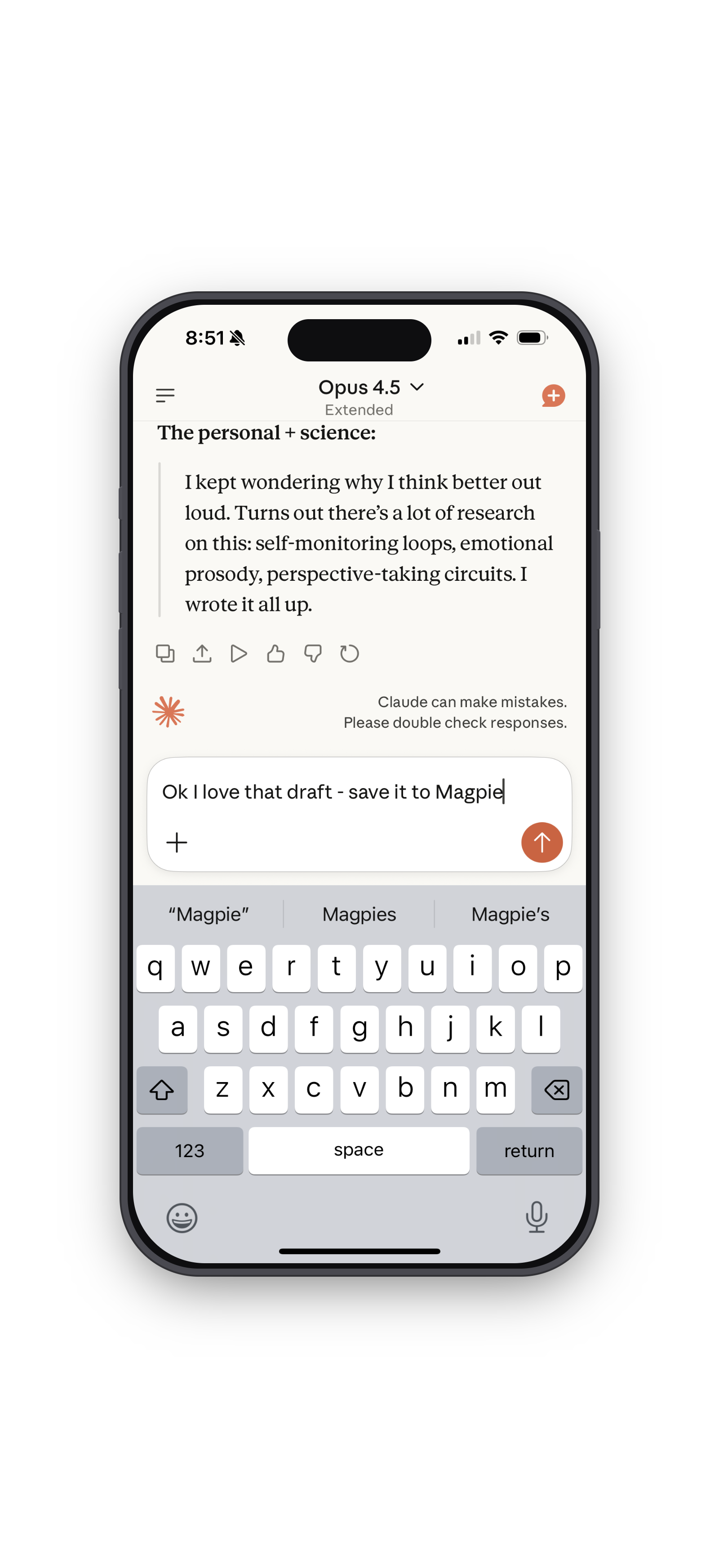 Claude
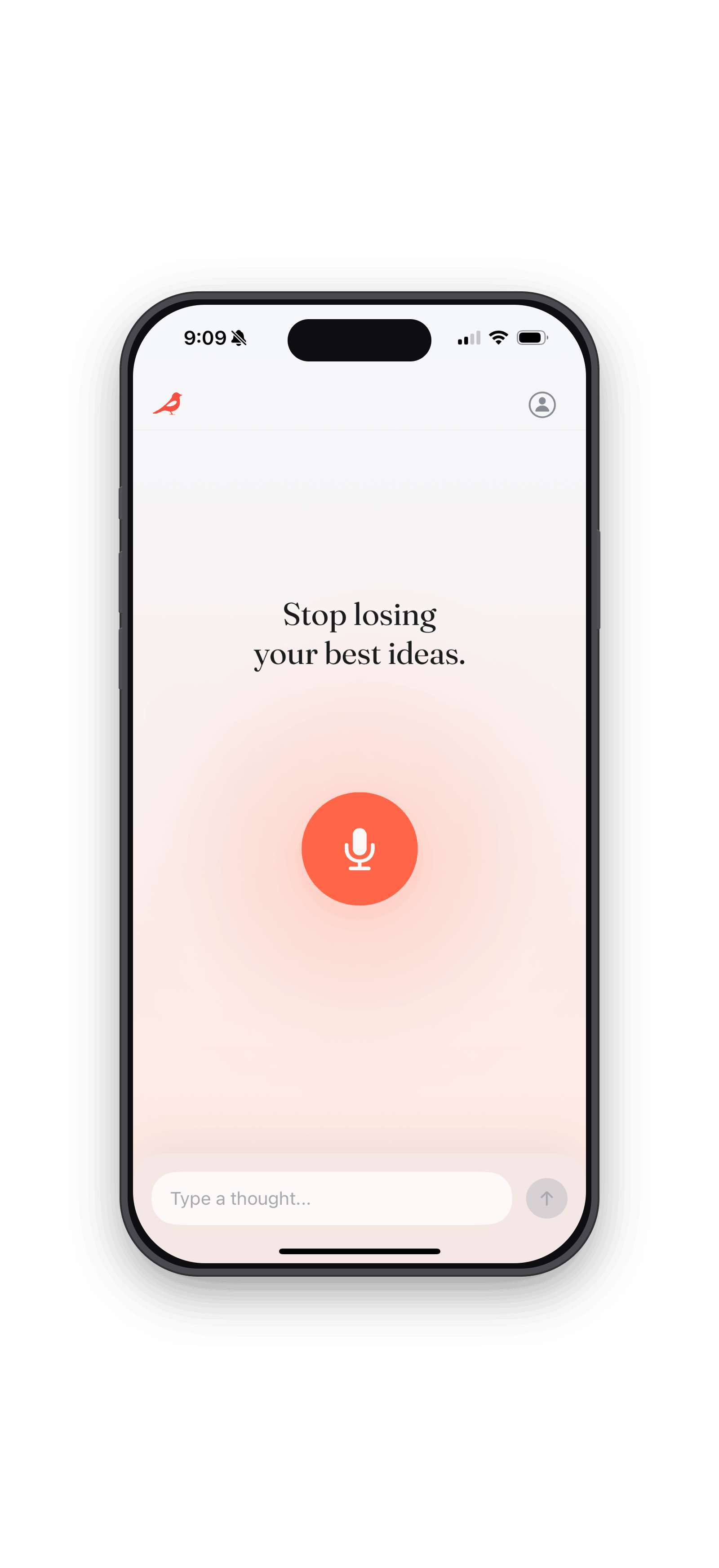 iPhone
Write with all of it
When you’re ready to write, Claude or ChatGPT already knows what you’ve been saving. It pulls in your ideas and helps you build from them.
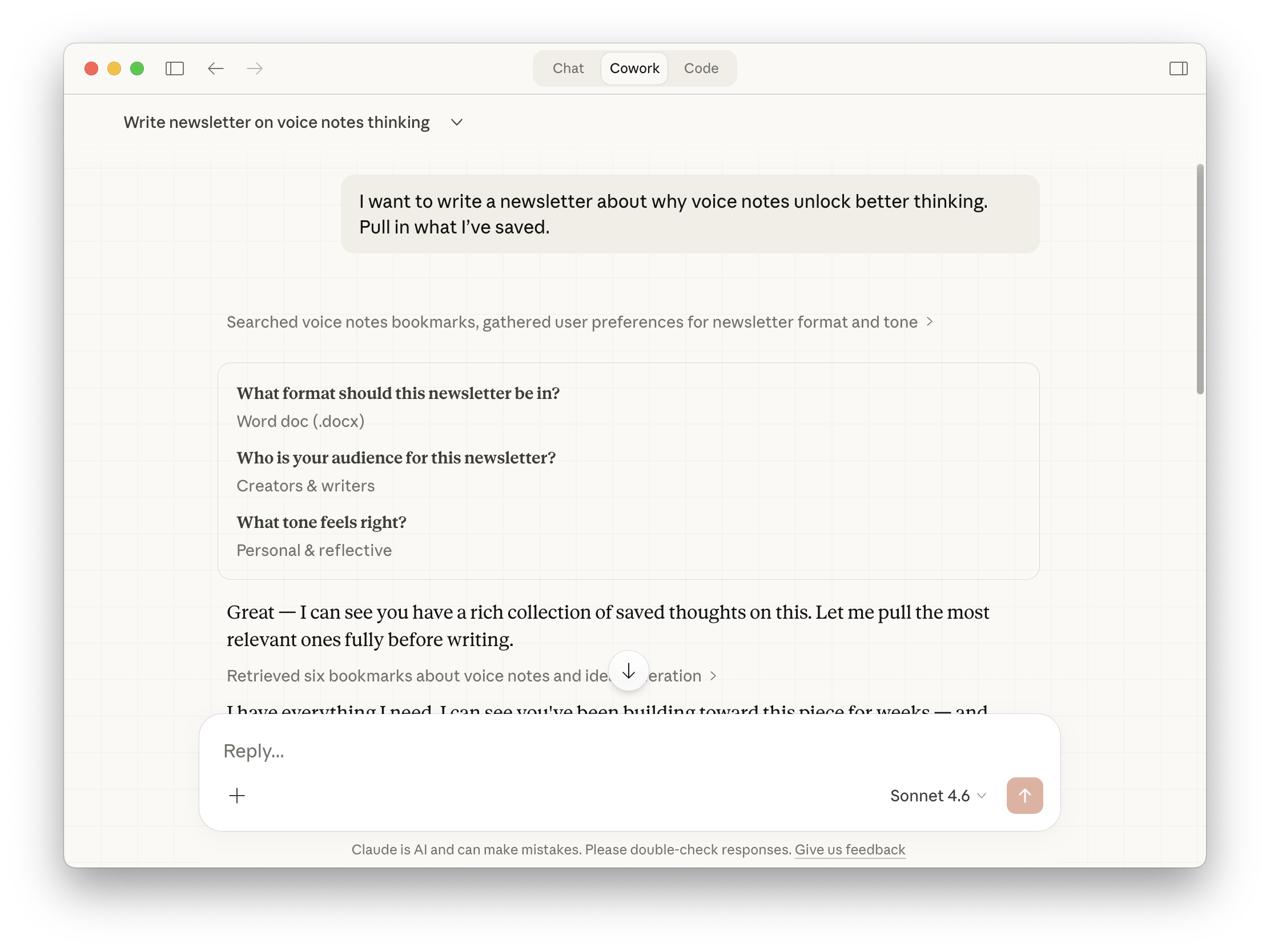
Real examples
What people build with Magpie
Real prompts, real outputs. Works in claude.ai for search and analysis. Works in Claude desktop (called Cowork) when you want files saved to your computer.
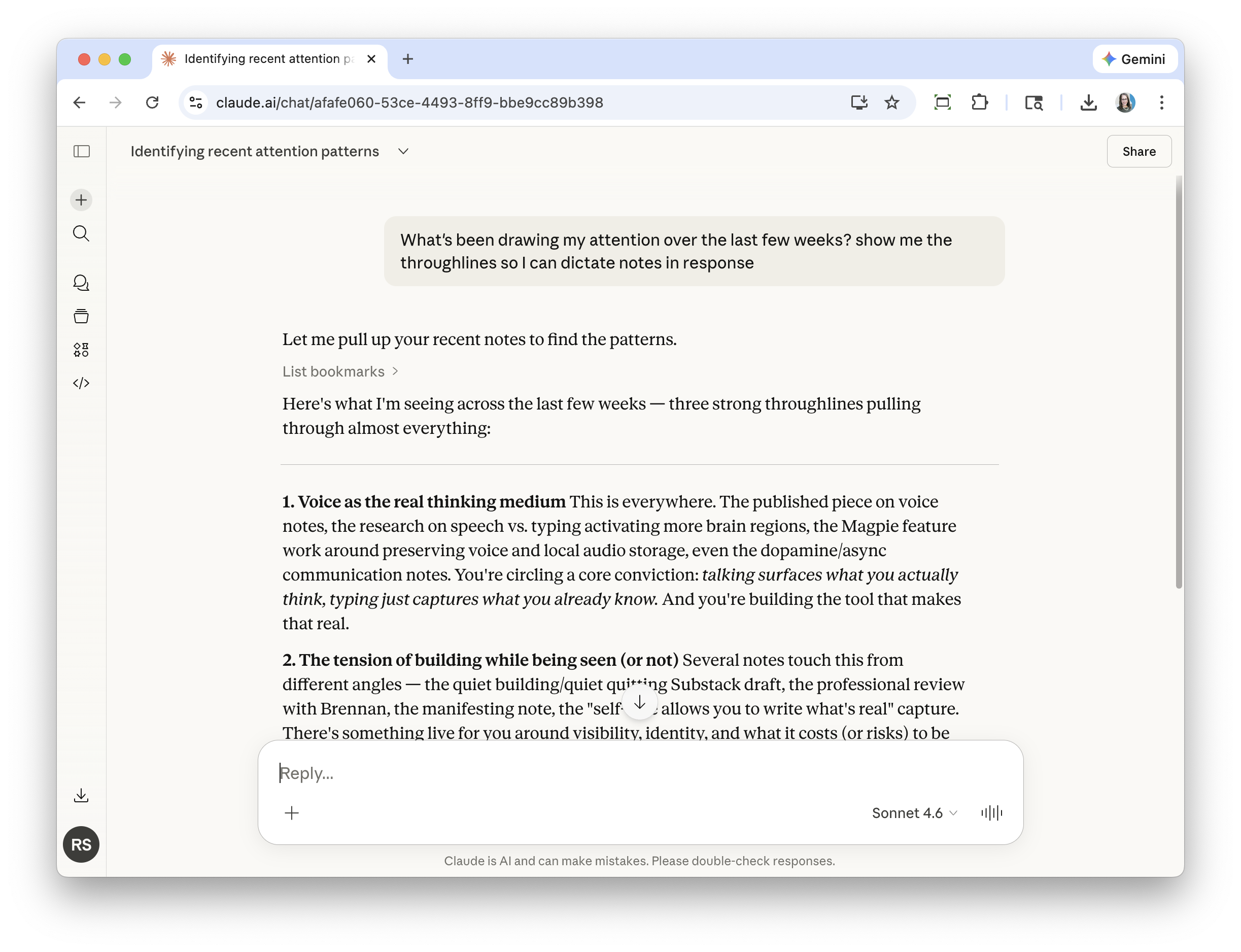
claude.ai
Find your throughlines
You’ve been saving for a few weeks and you’re curious what’s actually been on your mind — not a list of notes, but the patterns underneath.
“What’s been drawing my attention over the last few weeks? Show me the throughlines so I can dictate notes in response.”
Claude searches across your recent saves and surfaces three strong throughlines — themes you didn’t know were connected. You dictate new notes in response.
claude.ai
Organize a body of research
You’ve been saving notes about one topic from many angles — science, personal experience, published pieces. You want to see the full picture before you write.
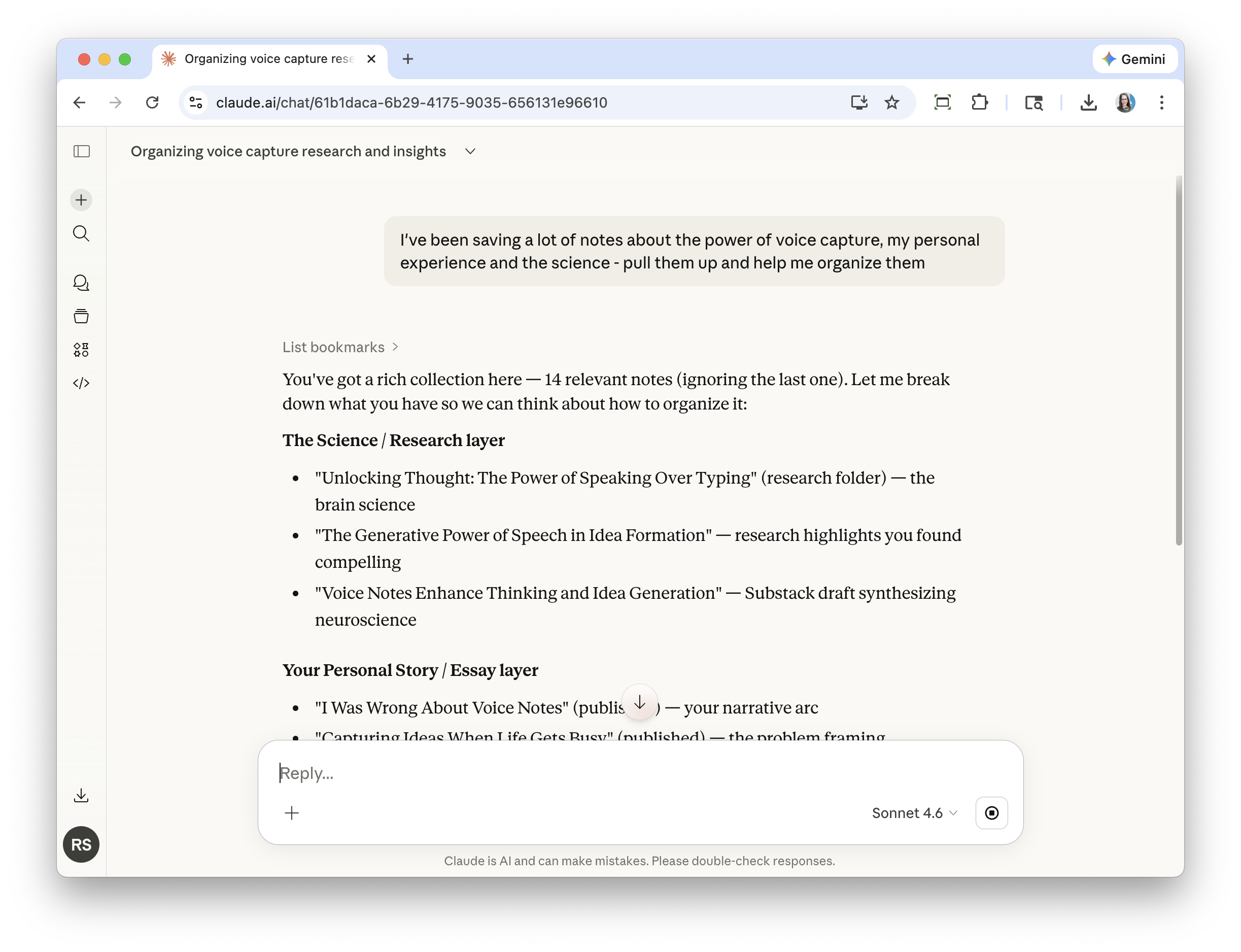
“I’ve been saving a lot of notes about the power of voice capture, my personal experience and the science — pull them up and help me organize them.”
Claude finds 14 relevant notes and organizes them into layers — research, personal story, essay drafts — so you can see everything you have and decide what to write.
Claude desktop · Cowork
Build a deck from your notes
You need a presentation for a meeting and your thinking is scattered across notes, screenshots, and to-do lists.
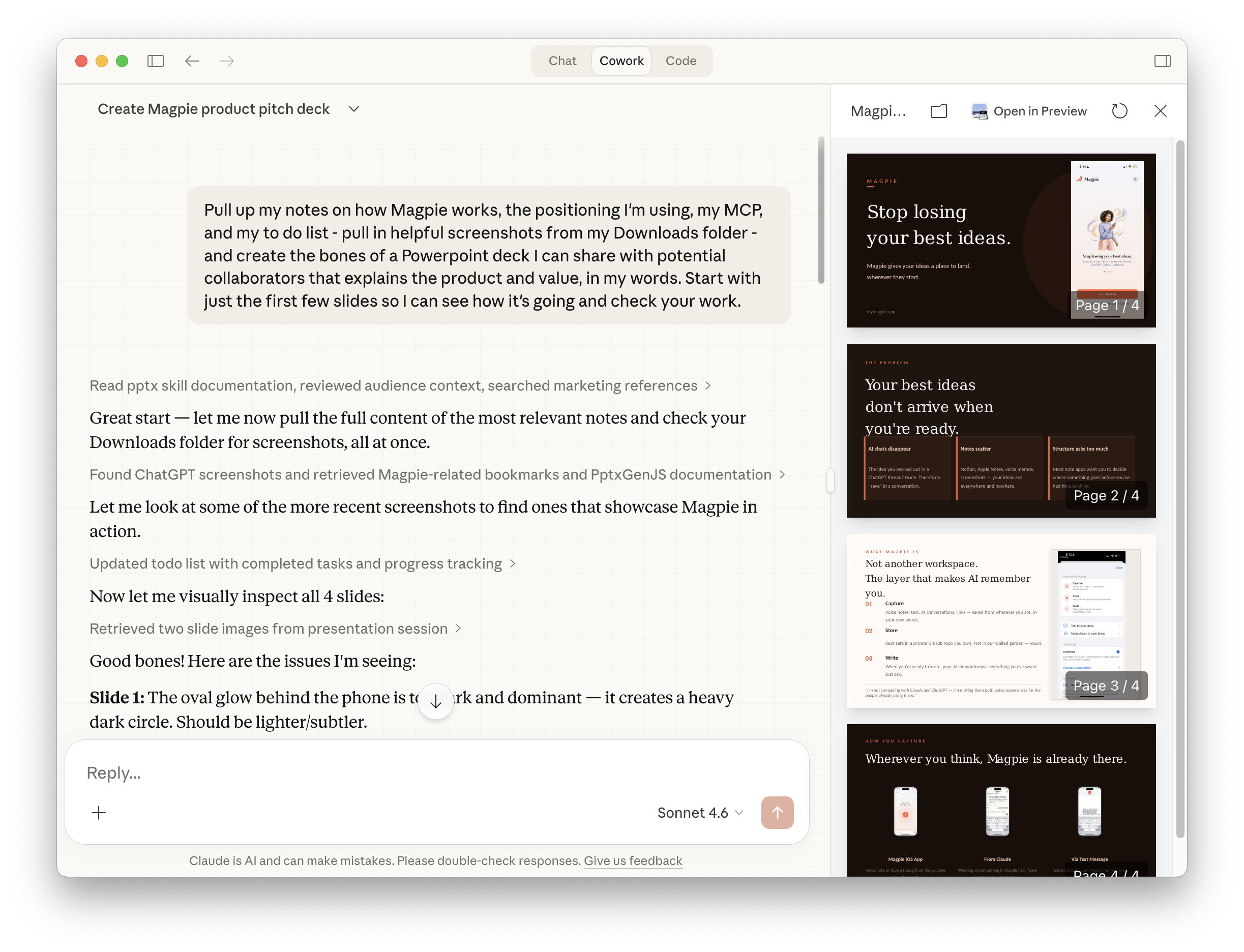
“Pull up my notes on how Magpie works, the positioning I’m using, my MCP, and my to-do list — pull in helpful screenshots from my Downloads folder — and create the bones of a PowerPoint deck I can share with potential collaborators that explains the product and value, in my words. Start with just the first few slides so I can see how it’s going and check your work.”
Claude pulls your notes, finds screenshots from your Downloads folder, and builds a .pptx — then reviews its own work and flags what to fix before you open it.
Claude desktop · Cowork
Turn your notes into a writing outline
You have months of thinking on a topic but can’t face a blank document. You want a structure — something to fill in with your own words.
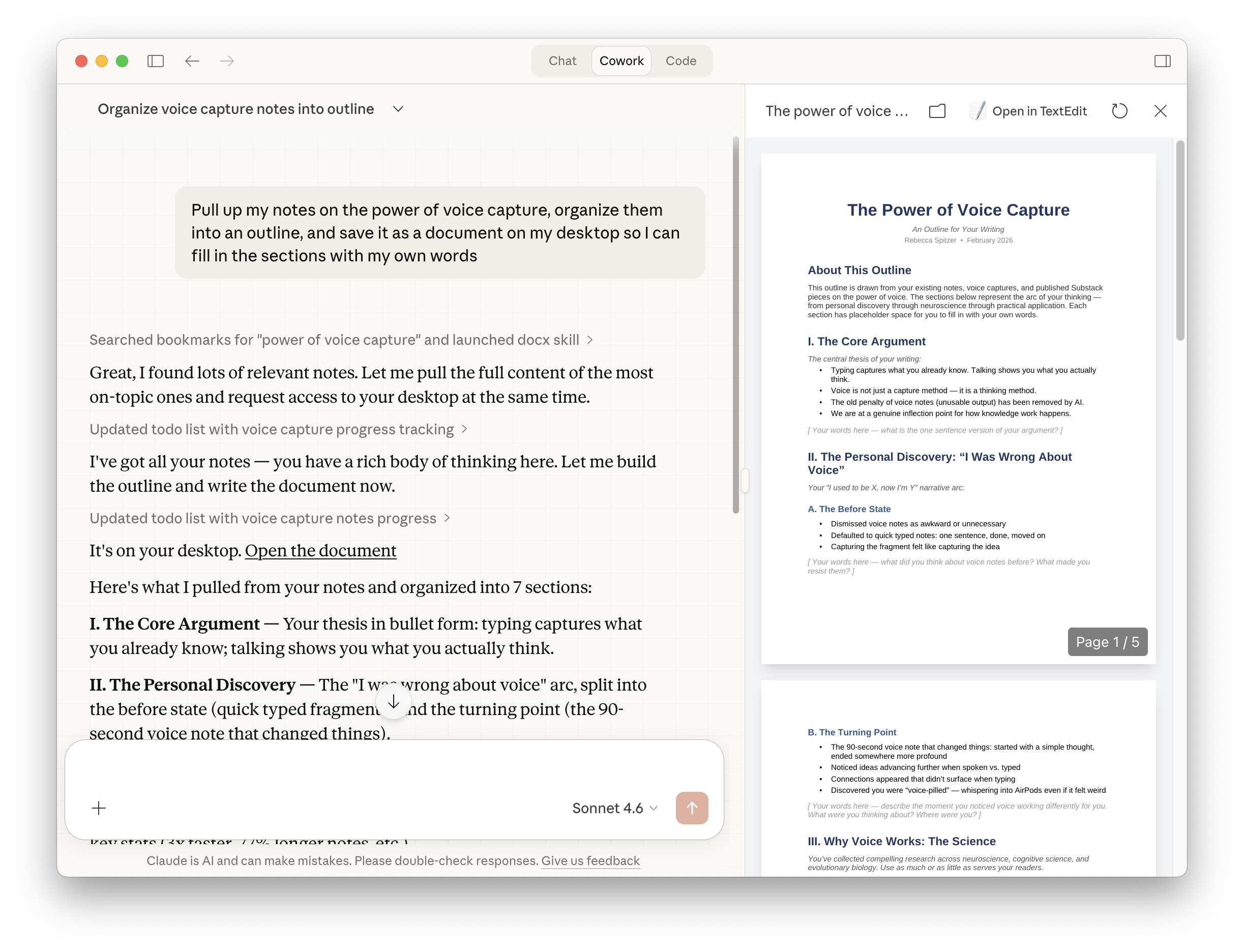
“Pull up my notes on the power of voice capture, organize them into an outline, and save it as a document on my desktop so I can fill in the sections with my own words.”
Claude pulls your notes, organizes them into 7 sections with your thesis and key points, and saves a formatted doc on your desktop — with placeholders where your words go.
Claude desktop · Cowork
Prep a presentation for Monday
You’ve been collecting user feedback, half-formed ideas, and random observations about onboarding. A team meeting is Monday. You need to turn it into something presentable.
“Pull up my Magpie notes about onboarding — there should be notes about interrupting the flow to add context, the 15-minute consulting call idea, making the iOS app feel more welcoming, and user feedback collection. Build me a slide deck I can present to the team on Monday. Include: what we’re hearing from users, what we want onboarding to feel like, and 3–4 specific changes to make. Save it as a .pptx on my desktop.”
Claude searches your onboarding notes, organizes them into what users are saying and what you want to change, and saves a .pptx ready for Monday — built entirely from thinking you’d already done.
Claude desktop · Cowork
Plan four weeks of Substack posts
You’ve been saving Substack ideas for weeks. Some are half-written, some are just a sentence. You want a plan, not another folder of unfinished notes.
“Look at my recent Magpie notes — especially anything in my substack-drafts folder and anything tagged substack, writing, or content. Draft me a content calendar for the next 4 weeks of Substack posts. For each week, give me a working title, which note it’s based on, and a one-line angle. Only include notes that have enough substance to actually become a post. Save it as a spreadsheet on my desktop.”
Claude scans your notes, filters for ones with real substance, and saves a .xlsx content calendar — four weeks of posts, each mapped to a specific note with a working angle.
Claude desktop · Cowork
Reflect on your week
It’s the end of the week. You’ve been capturing thoughts but haven’t had time to process them. You’re not sure what’s actually been on your mind.
“Look at everything I saved in Magpie this week. What was I thinking about? What themes keep coming up? Write me a short personal digest — not a summary of each note, but a reflection on what’s been on my mind. Keep it in my voice. Save it as a doc on my desktop.”
Claude reads your week’s saves and writes a short personal reflection — not a bullet list, but your own thinking reflected back at you, in your voice. Saved as a doc.
Works in Claude and ChatGPT.
Both chats read the same notebook. What you save in one, you can use in the other.
Claude
Ask Claude to save an idea mid-conversation. Later, ask it to pull up what you saved. Works on claude.ai, the Claude app, Claude desktop, and Claude Code.
ChatGPT
Same idea. Ask ChatGPT to save it to Magpie, or to search your notes. Connects through ChatGPT’s Developer mode in about five minutes.
Out of messages? Save it from the iPhone app. It will be waiting when you are back in either chat.
You aren’t the problem.
Your tools are.
Magpie gives your ideas a place to land, so you can keep moving.
Free to start. Pro features coming soon.