Stop losing
your best ideas.
Save an idea in Claude. Pick it up in ChatGPT. Magpie carries your thinking between chats, in your own words.
Free to start. Your notes are plain text files you own.
I keep figuring things out in a chat and then it’s gone.
Sometimes Claude, sometimes ChatGPT.
I wanted one place my ideas could live that both of them could read. So I built one.
Other note apps are where ideas go to get organized.
Magpie is where ideas go to get used.
Save an idea today. Pull it up three months from now, in either chat, without looking for it. Your ideas, in your words, in a place you own.
Move to a different tool someday? They come with you.
Works in Claude and ChatGPT.
Both chats read the same notebook. What you save in one, you can use in the other.
Claude
Ask Claude to save an idea mid-conversation. Later, ask it to pull up what you saved. Works on claude.ai, the Claude app, Claude desktop, and Claude Code.
ChatGPT
Same idea. Ask ChatGPT to save it to Magpie, or to search your notes. Connects through ChatGPT’s Developer mode in about five minutes.
Out of messages? Save it from the iPhone app. It will be waiting when you are back in either chat.
How it works
What happens to your ideas
Magpie keeps your ideas in a place you own, so they don’t disappear or get buried.
Save from either chat
Mid-conversation in Claude or ChatGPT, just ask to save it. Out of messages? The iPhone app works without a chat open.
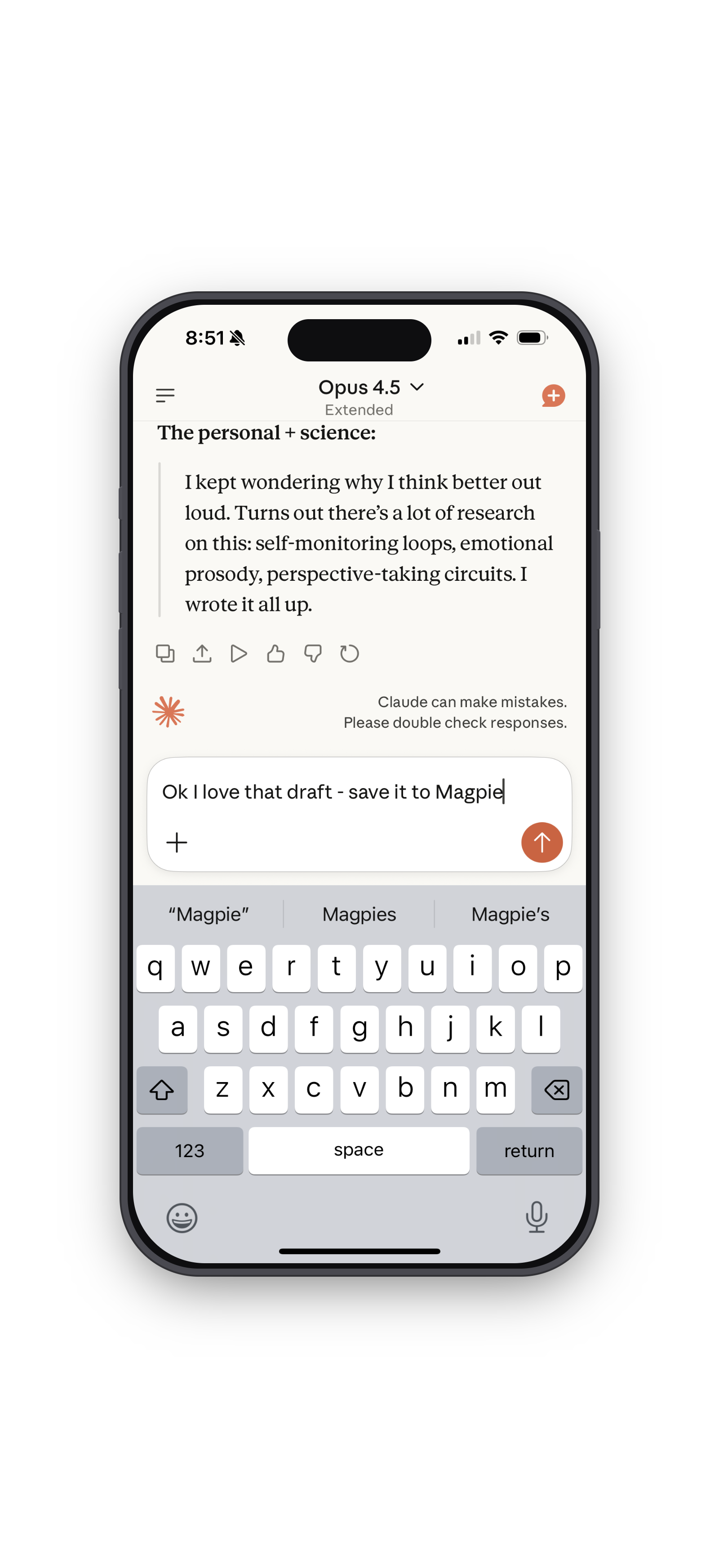 Claude
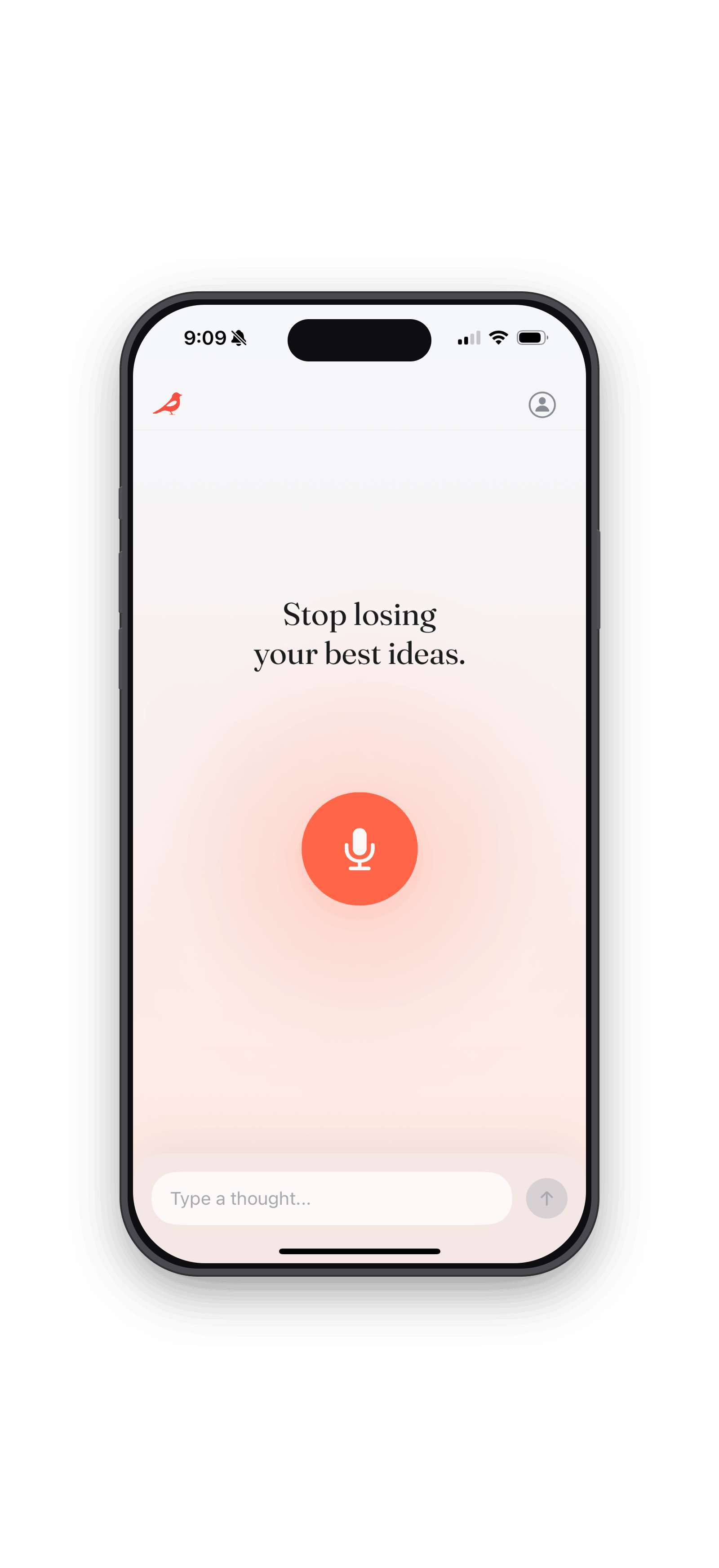 iPhone
Write with all of it
When you’re ready to write, Claude or ChatGPT already knows what you’ve been saving. It pulls in your ideas and helps you build from them.
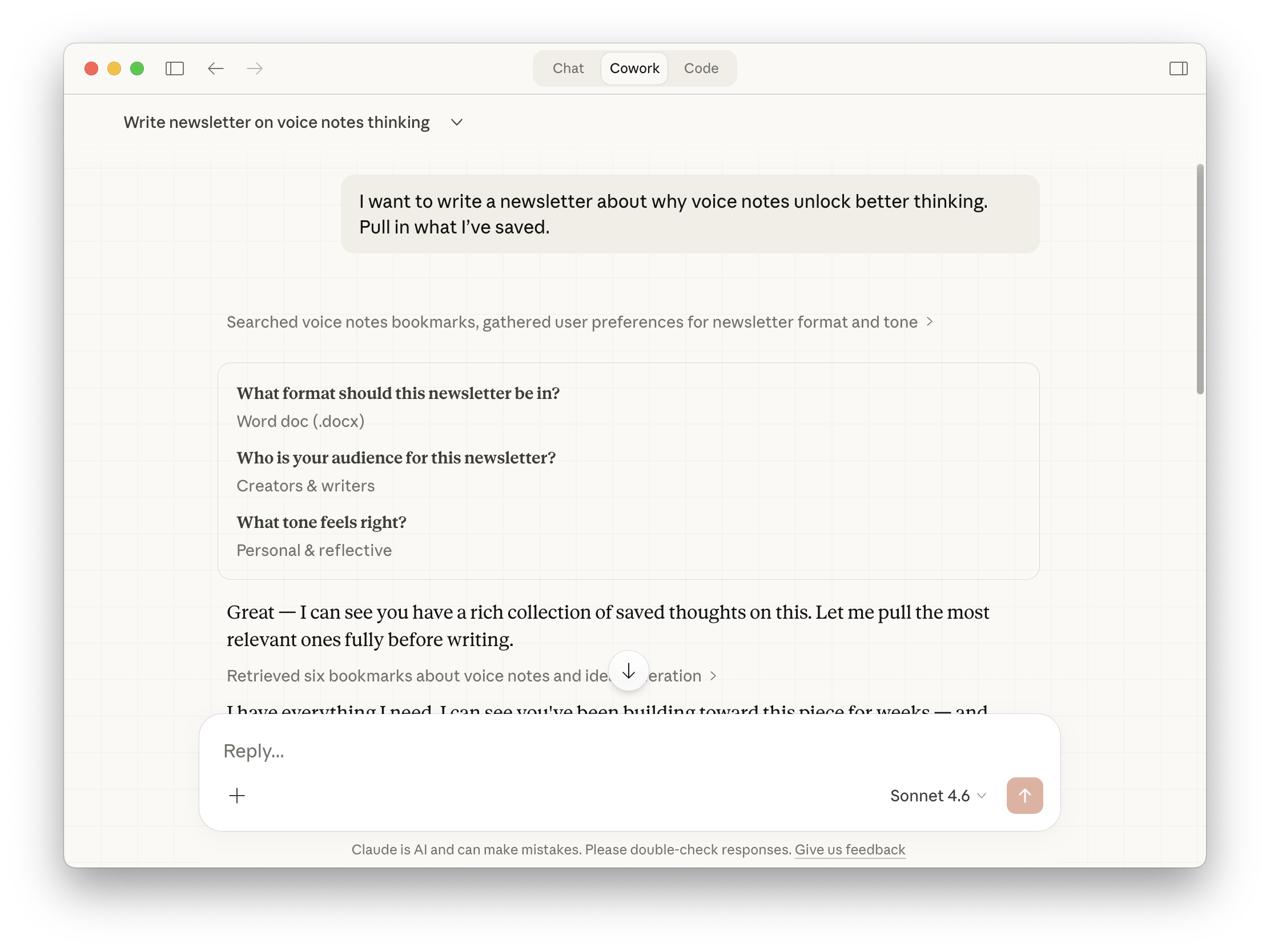
Don’t lose your voice, either.
Magpie doesn’t just save what you tell it. Connect Substack and it reads your articles, notes, and comments. So when a chat helps you write, it already sounds like you.
Beta, for Substackers. Contact for access →
Sound familiar?
Deciding what goes where. Which app, which folder, what to call it.
Spending more time organizing ideas than actually using them.
Sitting down to write and not being able to find any of it anyway.
Magpie saves everything in a way that’s readable to you, to Claude, and to ChatGPT.
“I already use Claude”
Claude is great. But Claude’s memory stays in Claude. Open ChatGPT and none of it is there. You don’t control what it keeps, either. Magpie is the notebook both chats read, and you own it.
“I already use Notion”
Notion asks you to organize before you’ve even had the idea. Which workspace? Which database? Page or sub-page? Magpie handles all of that for you. And when Claude or ChatGPT needs your ideas, it doesn’t have to parse a rich-text database. It just reads your words.
“I already use Apple Notes”
Great for capture. But when you sit down at your computer to write, your ideas are stuck on your phone. Claude and ChatGPT can’t see them. They’re not working for you.
Magpie is built for people who want to capture fast and write later, in whichever chat they open, with all their context ready when they need it.
Frequently Asked Questions
The short answers to the most common questions.
You aren’t the problem.
Your tools are.
Magpie gives your ideas a place to land, so you can keep moving.
Free to start. Pro features coming soon.